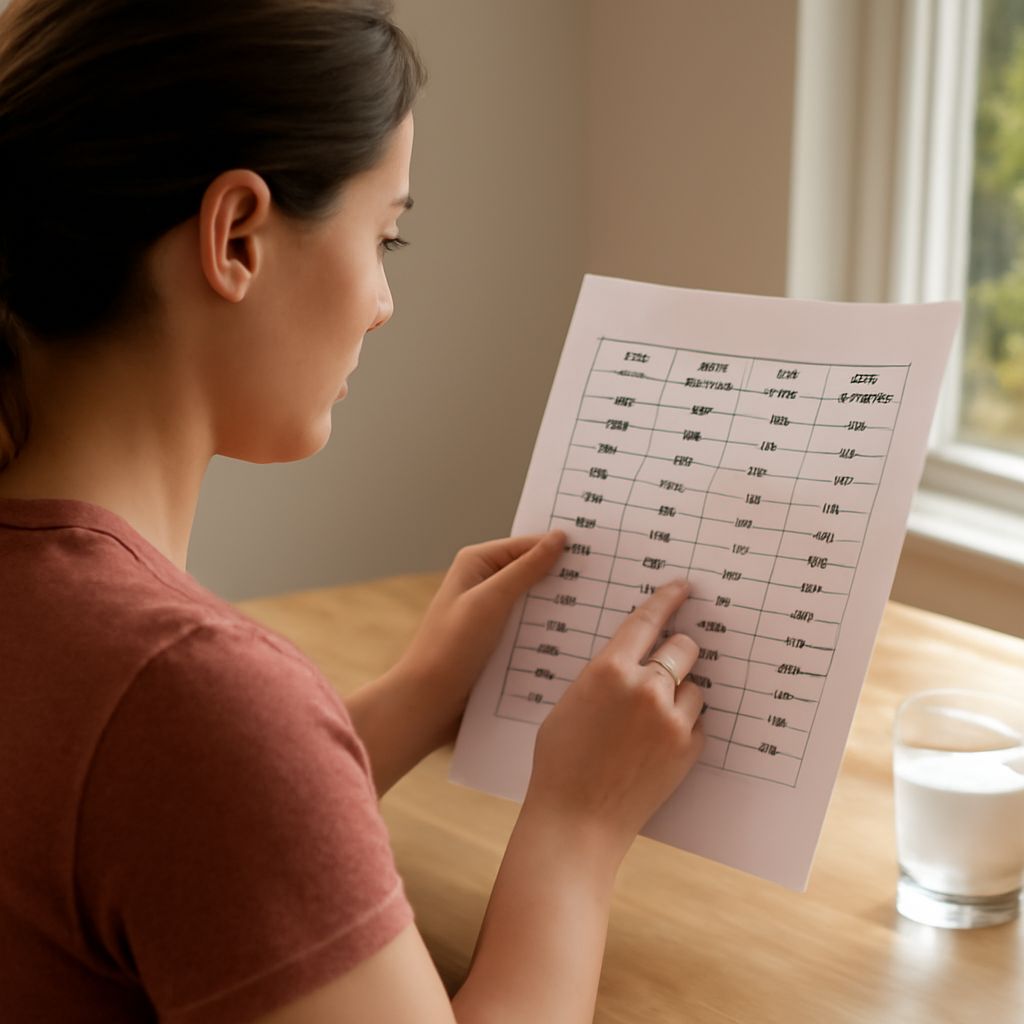
A 20-minute easy walk and a 20-minute brisk walk cover the same amount of time, but their estimated energy use can differ. A calculator for exercise calories accounts for the activity you select, its duration and usually your body weight to produce an approximate result.
The number from a calorie calculator for exercise is a guide to a described session. It cannot measure every change in pace, terrain or individual effort, so its inputs deserve as much attention as its final figure.
Calorie calculator exercise choices: Match the activity
Begin with the type of movement you actually did. An exercise calorie calculator may offer walking, cycling, swimming and strength training, sometimes with several intensity or speed options for each. Select the closest description rather than the one that produces the largest number.
For a walk, look for a pace and surface that resemble your route. A brisk level walk and a slow walk with frequent stops are different entries. For cycling, a calculator may distinguish a gentle ride from a faster effort. If you rode uphill, into wind or with a heavy load, a simple speed category may not capture the full demand.
In a calorie calculator, exercise choices are often based on a metabolic equivalent of task, or MET: a reference estimate of energy use relative to quiet rest. Higher MET values represent higher estimated rates, but the listed value is an average for a described activity. The Adult Compendium of Physical Activities provides examples with different speeds and conditions.
Enter time and body weight
Enter the duration spent doing the selected activity. If your outing included a long break, decide whether the tool expects total session time or active time. When the available category assumes continuous movement, entering the entire time including a long stop can overstate the estimate. If a workout contains clearly different activities, enter each separately when the tool allows it.
Use your current body weight in the unit requested, such as pounds. Check the units before submitting: entering pounds into a kilograms field produces a very different result. Some tools ask for age, height or other information; provide those fields only as required and review their explanations of how the estimate is produced.
Suppose a person enters 30 minutes of level walking and a body weight of 160 pounds. A calorie exercise calculator may return a single number for that description. That number is an estimate for the selected category and assumptions, not a direct measurement of that person’s energy use. Changing the entry to 60 minutes while keeping the other assumptions constant will generally increase the estimated total because the activity lasts longer.
Understand what the result includes
A result may represent total, sometimes called gross, calories during the activity, including energy the body would have used at rest. Another tool may show active, or net, calories above the resting estimate. These are different quantities, even for the same session. Read the label or help page before comparing them.
An exercise calorie burn calculator also depends on its assumptions about intensity and resting energy use. Two tools can give different answers for the same inputs if they assign different activity values or include resting expenditure differently. A wearable may use movement or heart-rate information as well, but its result is still an estimate. In a study of wrist-worn devices, energy estimates could be over- or underestimated compared with a laboratory measure.
Treat a small difference between two outputs cautiously. Neither a more precise-looking number nor a display of decimal places makes the estimate an exact personal measurement. A result also does not tell you how much you must eat or what a single session accomplished for your health.
Compare sessions on consistent terms
To see how duration or activity choice affects an estimate, use the same tool and body-weight entry, and change one input at a time. Compare two 30-minute sessions if you want to look at the estimated rate for their selected activities. To compare two durations of the same activity, keep the activity and intensity selection fixed.
In a calorie counter, exercise entries may also appear beside food or daily activity totals. Check whether the app has already included the workout before adding a separate entry, and whether it reports active or total calories. This helps avoid counting the same estimated activity twice.
If you track several sessions, note the activity, duration and conditions beside each result. A calculator of calories burned during exercise is most informative when you can remember whether a ride was flat, a walk included hills or a strength session had long rests. Use the pattern as context for your routine, not as a precise score for individual workouts.
Quick check before you finish
- Choose the activity and intensity closest to what you did.
- Enter the relevant duration and your weight in the requested units.
- Check whether the result is active or total calories and whether the workout is already recorded elsewhere.
- Read the number as an estimate, and use the same assumptions when comparing sessions.